.jpg.d60258221c476480a6e073a8805645bb.jpg)

Crystal
-
Posts
1,054 -
Joined
-
Last visited
Content Type
Profiles
Forums
Events
Blogs
Gallery
Store
Everything posted by Crystal
-

First Gun Belt with Cartridge Loops
Crystal replied to Crystal's topic in Gun Holsters, Rifle Slings and Knife Sheathes
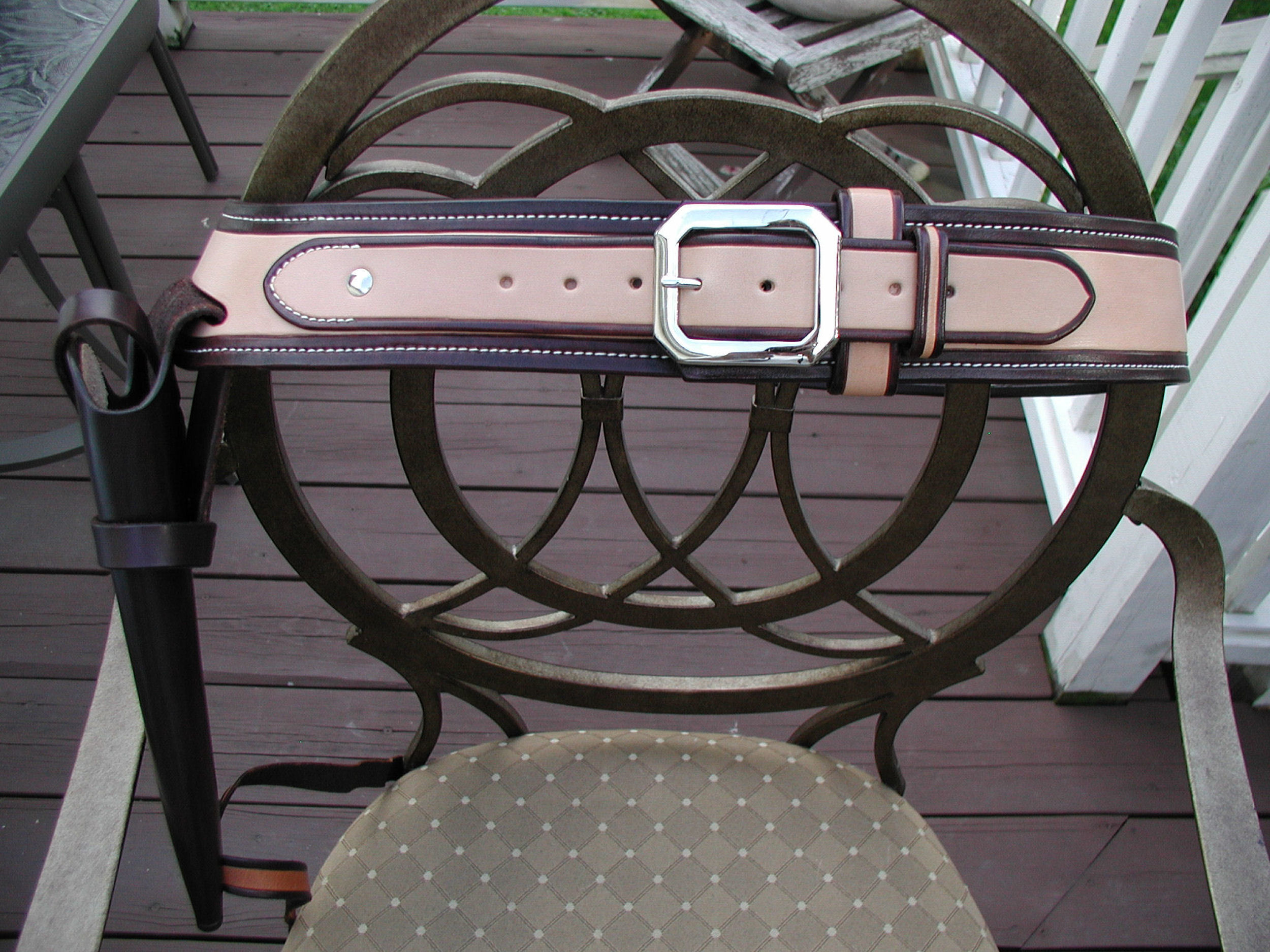
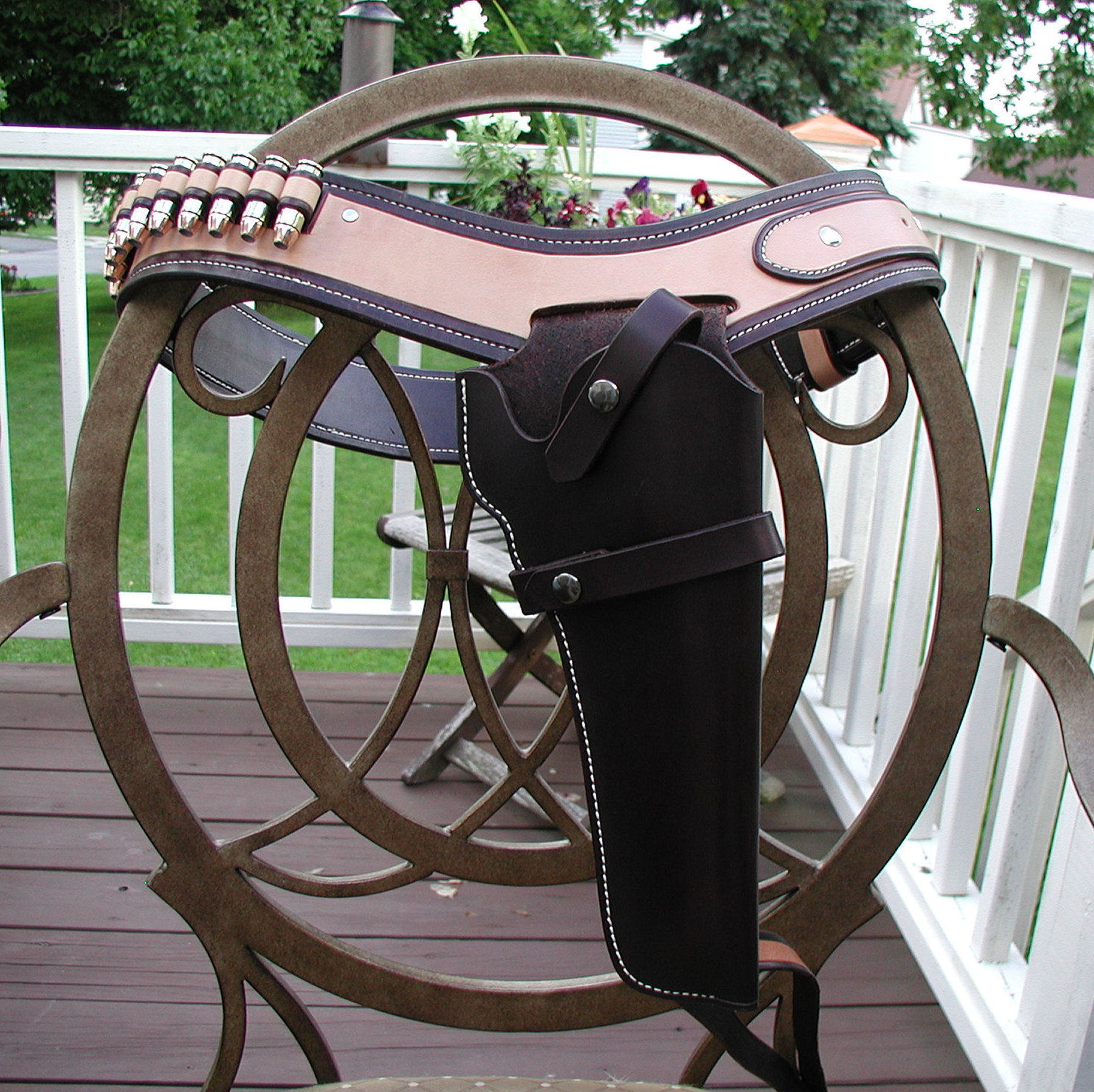
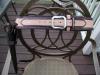
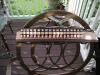
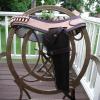
Thanks! The holster was made first for a .44 Ruger, the guy didn't want this style he wanted a molded one. Hubby was the go between in the order... I am wondering if he messed it up just to get a holster for himself? lol I thought about re-doing the holster to match, and probably will someday. Crystal Thanks alot, Tim! Thanks, Josh. The two-tone is just dyeing. I came in about 1/2" from the edge and lightly scribed the line. Then I ran a creaser on that line to give it a little more definition, and just used a small paint brush to paint it on. Thanks for the glass of milk! Crystal -
Hi All! First let me give a big "Thank You" to everyone that I have pestered with guestions on this project! I couldn't have done it without all of your help. Lots of boo-boo's, oops's, and one really big that I managed to hide. Still need to get better with my edges and my sewing. Ahh, that sewing, somehow I get it okay on the front side and messy on the back side. I will get it figured out sometime. As always, I am open to any critiques, "shoulda done's", or "ought-to-do's". Thanks for looking! Crystal
-
Beautiful, Tina! I keep looking and finding new things to ooh and awww over. I have the same trouble with my stitching - if I ever figure out how to cure what ill's my sewing, you'll be the first I will share that info with! Crystal
-
Hope you get well soon, Badger! Make sure they don't take any stitches out of that hat... Crystal
-
Beautiful job, Mark! Crystal
-
Oops, Suze - I missed your reply! So sorry! (Or maybe I was just giving you ample time for ducking and running?) Crystal Thank you for the compliment, Wolle! Crystal Thanks, Ray! I was afraid to color it - painting isn't something that comes naturally, but Clay's carving lesson went so smooth, I just trusted that his color lesson would work for me, too. Crystal
-
Wow, Tom! That looks really, really sharp! I really like how you did the bump-out on the sides of the planner. That gives it an extra little twist that looks really cool. Excellent job! Crystal
-
Hi - I think you are referring to a "mystery braid" or "trick braid". Bruce Grant has a book called "Leather Braiding". That book has the how-to instructions. Hope this helps! Crystal
-
Beautiful, Art! I am sure the couple is going to love it and your son is going to get credit for some great "shopping"! Crystal
-
http://www.roundupproductionsllc.com/ArtCowboyMakers.htm In the green box at the top are the photo links for the different categories. Crystal
-
Thanks for posting the link for more pictures, Casey. Wow! Everything is beautiful! And - Congratulations on your win! Crystal
-
Thanks for the results and the pictures, Casey! Looks like it was a nice turnout. Suggestions? More pictures! I don't think there is anyone here who ever complained of seeing too many! Crystal
-
Hi Josh- I was asking the same questions and Kate was kind enough to reply: "To insert images, the images already have to be published somewhere on the web. They cannot be images that were uploaded to the forum, and there is no way to just upload the images to your About Me page. Why, I have no clue, it's just the way the system was programmed. But anyway... To insert an image: - Go to "My Controls", then "Edit About Me Page". - Go to the web address where the image is located. Note that you do not want the address of a page the image is displayed on, but the address of the image itself. You get this by right-clicking the image, then choosing to "View Image", then copying the web address. - In the "Edit My About Me Page", click on the "Insert Image" button in the tool bar. You are then asked for the web address where the image is located. Insert the address you copied from where your image was into the text box and click OK. - Save the changes to your page, and from that point on the image should be displayed." I haven't gotten time to give it a try yet. Johanna said you can upload your pictures into PhotoBucket and that will get the image on the web and use it from there. Give a holler if you need more help. Crystal
-
Congratulations, Josh! Those numbers are amazing! Crystal
-
Another Saddle =)
Crystal replied to chevygirl's topic in Saddle Identification, Restoration & Repair
Had the same childhood experiences with the same saddle. Ours looked like these pics down to the yellow seat, and the grown-ups always called it "The Hereford". Had an awful time staying in it, but it was a little easier on the kid in the back when we doubled up. Crystal -
My first gut respnse was the same as everyone else, Send that stuff back! Second thought was more along the line of keeping them for a good show and tell after you get your products made. Leave the tags on them and you can show off the quality of your work compared to theirs. For that kind of money, though - I'd have to send them back. Crystal
-
Ed- That is absolutely beautiful! Crystal
-
Johan - Now THAT is a hat band! Nicely done. Crystal
-
Very beautiful, Kate! A piece that is definitly inspiring. Crystal
-
Just a couple of my favorites: I wonder what would happen if I spent more time with my dog: Odd friends: Not a YouTube video - but scroll down about 1/3 of the page and there is a video. Betcha haven't seen a cow like this! http://www.lurchandtheherd.com/about-janice/ Enjoy! Crystal
-
Hi Holly- I clicked 7" but actually am 6 1/2" on left wrist and 6 3/4" on right wrist. That is watchband tight. I like bracelets a little looser than that. Called a friend and she is 6" on left and 6 1/4 on right hand. She said to add 1/4 to her measurements for a comfortable bracelet. Crystal
-
Thanks, RDB! There's always another name for what I'm looking for - no matter how you spell it! Crystal Thank you Kevin! I think I have seen an ad for Windmill in the LC&SJ... I'll pull the number from there. Thanks for the heads up on the Weaver ones. Crystal
-
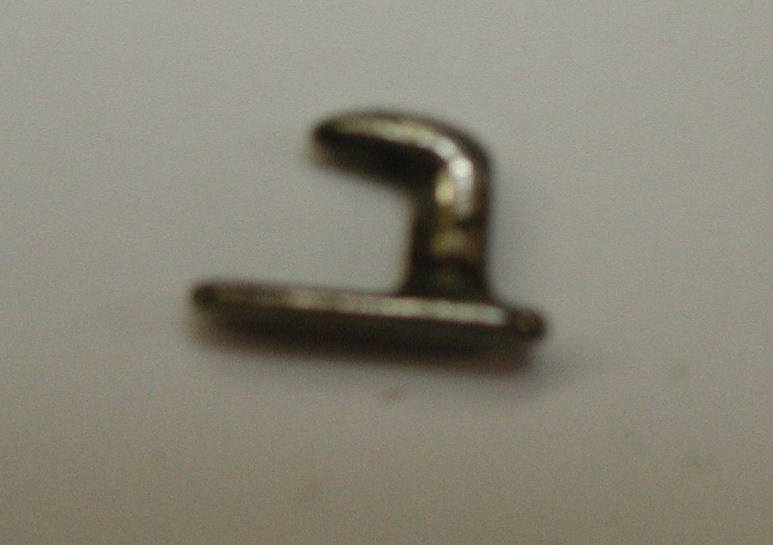
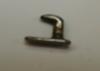
Thanks for the reply, Kevin. I thought about needing a pic after I posted the question. I pulled this one from a set of English rein ends. I would prefer a longer base and have the hook more centered in the base. (Rather than having a short and long end.) Thanks! Crystal
-
Hi All- Anyone know of a US supplier for steel stud hooks? Thanks! Crystal